Skip to content

E-ink device hub

Every pen-input e-ink tablet, tested for planning

We test tablets for one thing: how well they run a planner. Writing feel, whether PDF hyperlinks actually work, and which of our sizes fills the screen without scaling.

What we measure

Does the pen feel like paper?

Latency, friction, and nib wear — scored 1–5 from hands-on use.

The one that matters

Do PDF links work?

A hyperlinked planner is only navigable if the device honours GoTo links. We test every one.

Fit, not scaling

Which size fills the screen?

Every device maps to S / M / L / A4 so your planner uses the whole display.

We may earn a commission if you buy through links on this page — it doesn't affect our picks, and prices shown are indicative: always check the retailer. Affiliate disclosure
0 of 52 devices
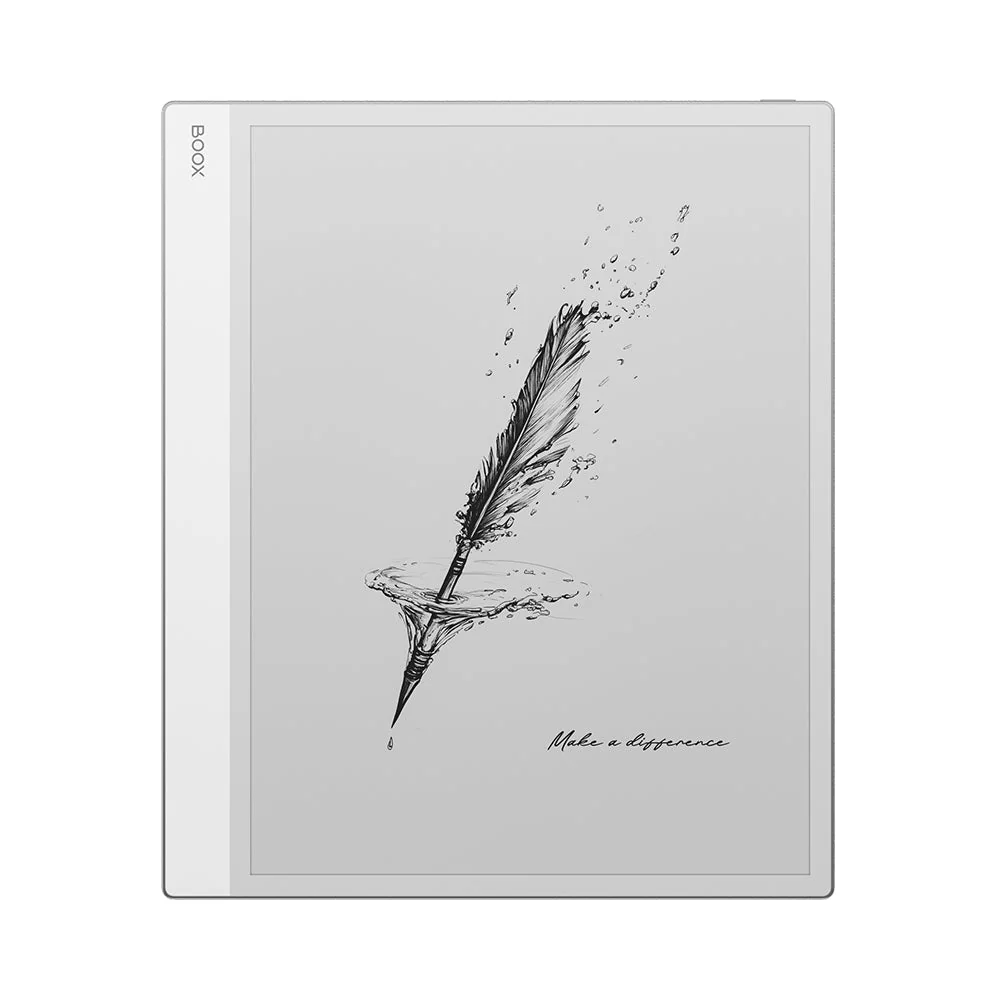
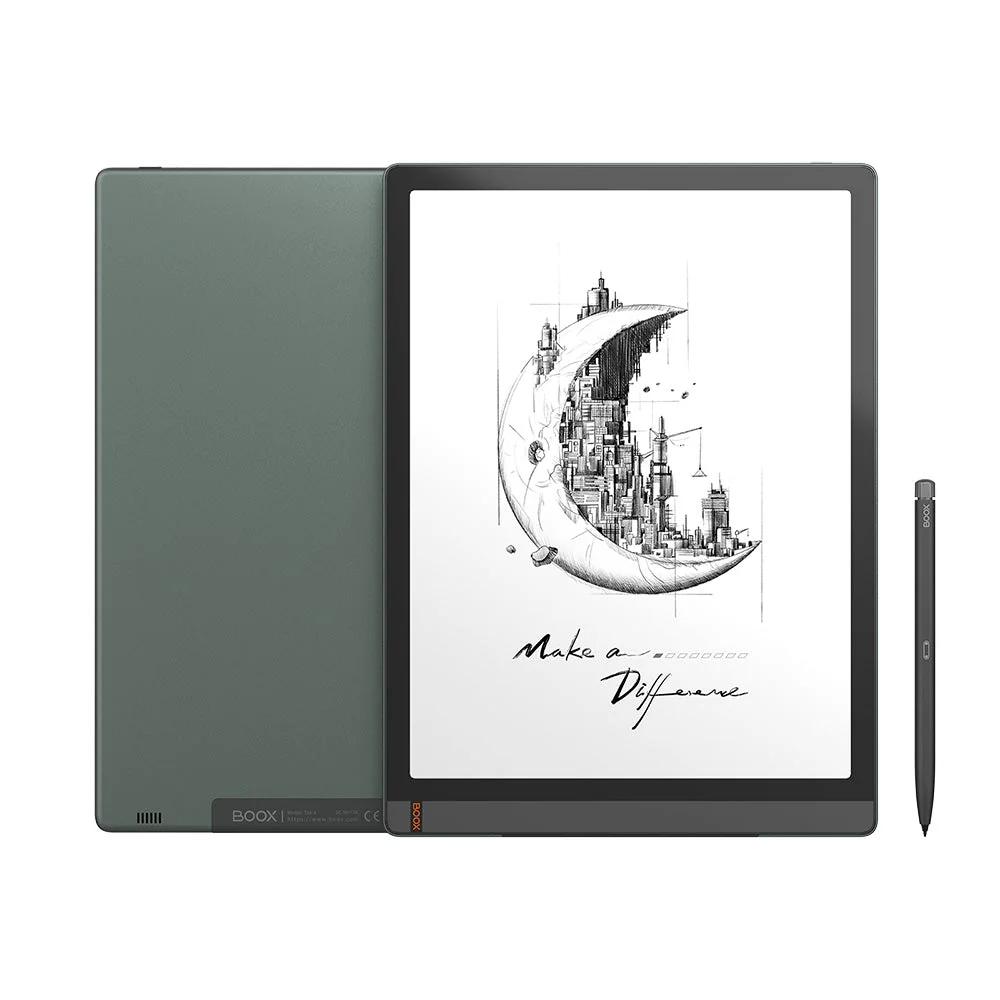
Onyx Boox Note Max

Onyx Boox

Note Max

  • Screen13.3″ · 300 ppi
  • ColourMono
  • Planner sizeA4
  • Price at launch$$$
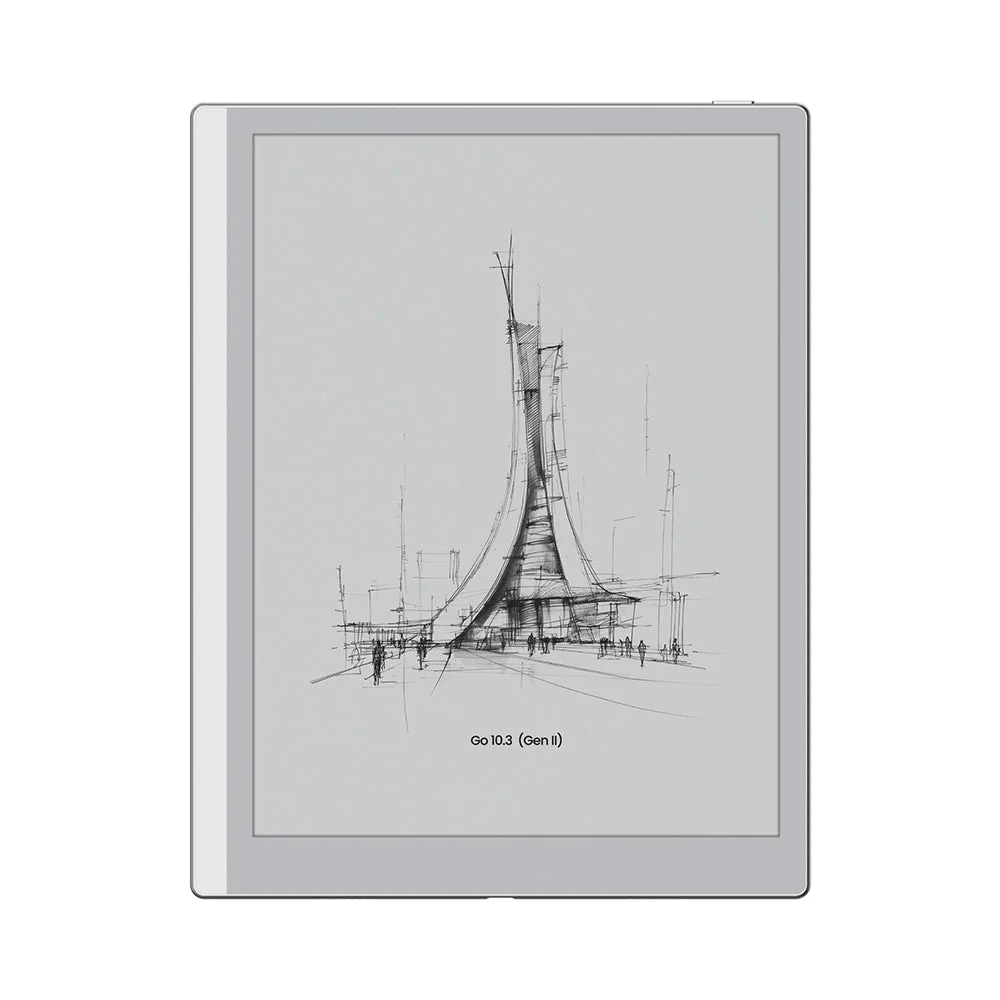
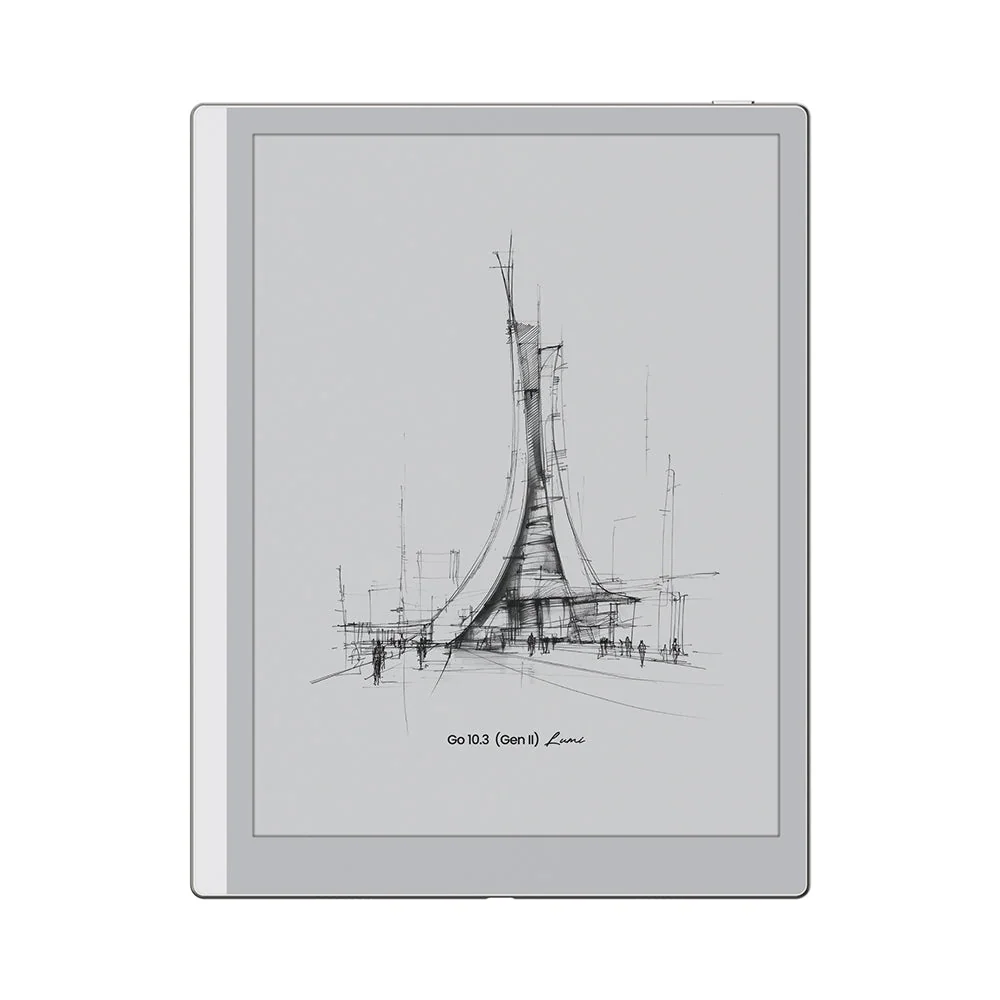
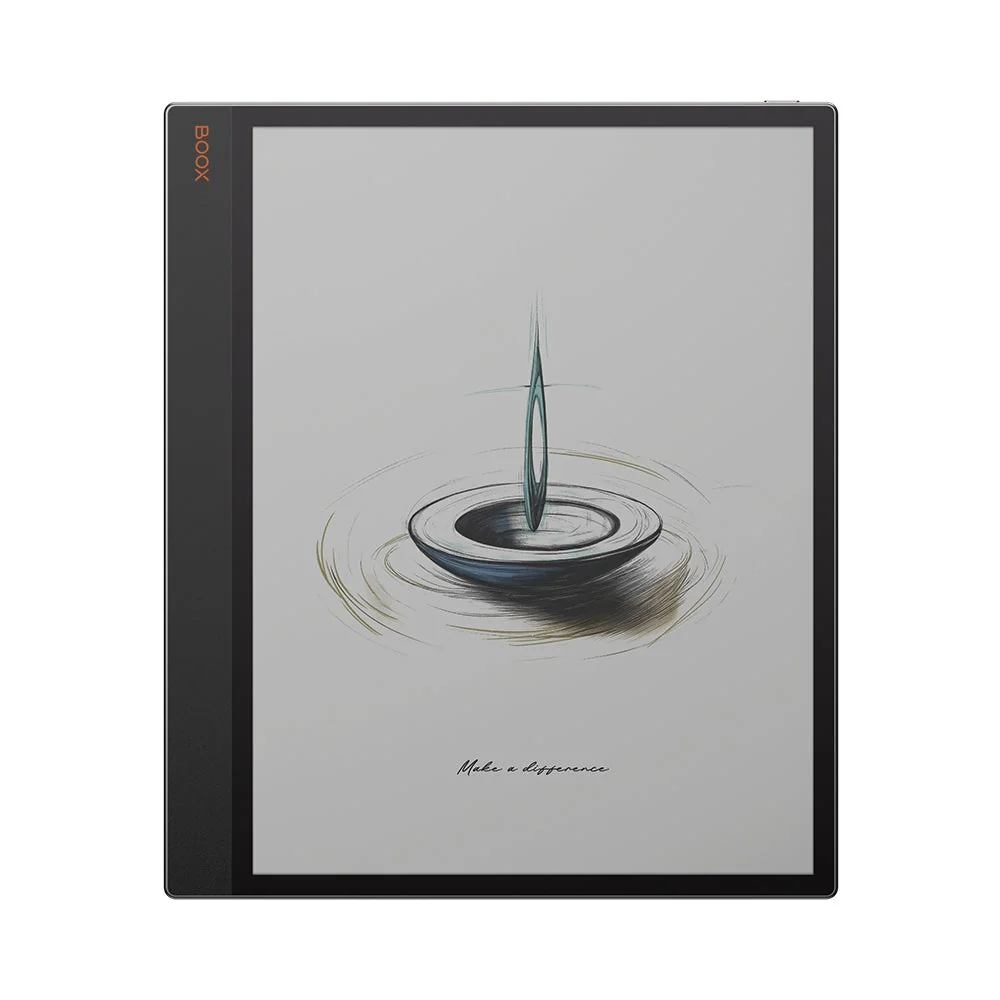
Onyx Boox Go 10.3

Onyx Boox

Go 10.3

  • Screen10.3″ · 300 ppi
  • ColourMono
  • Planner sizeM
  • Price at launch$$
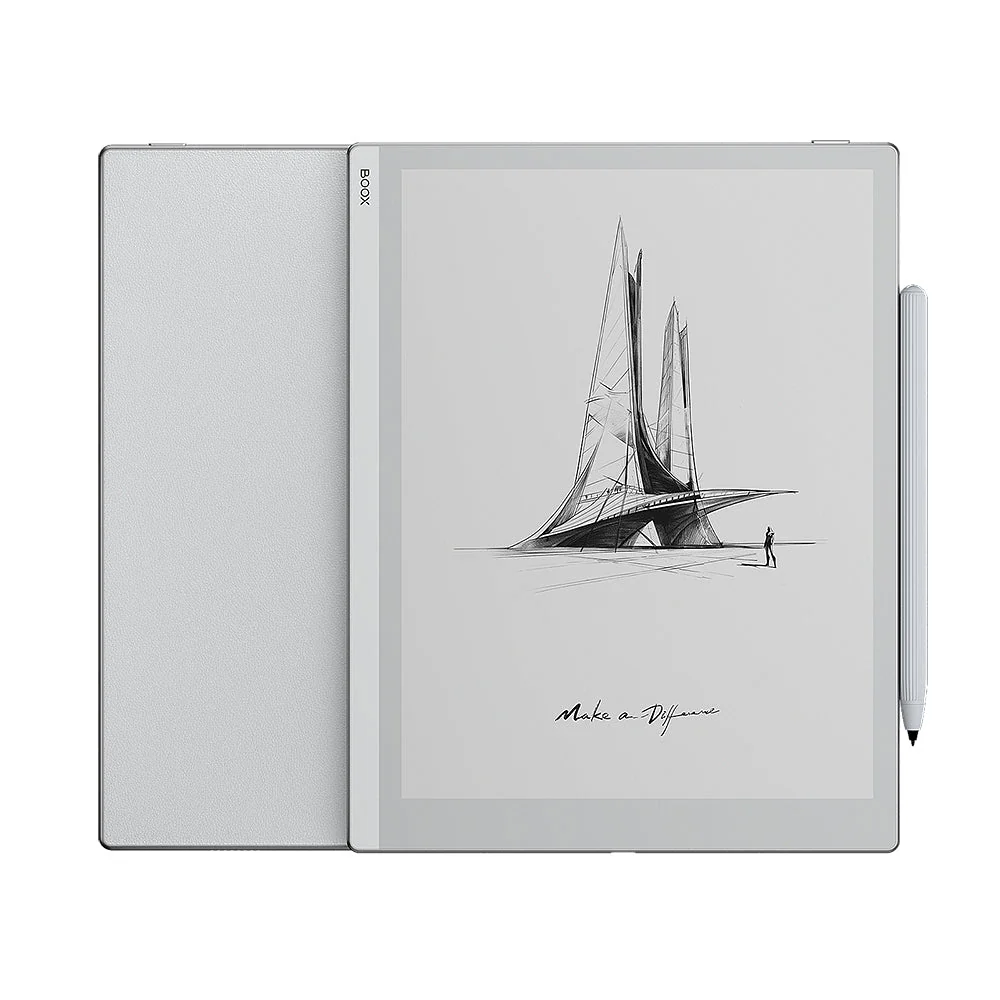
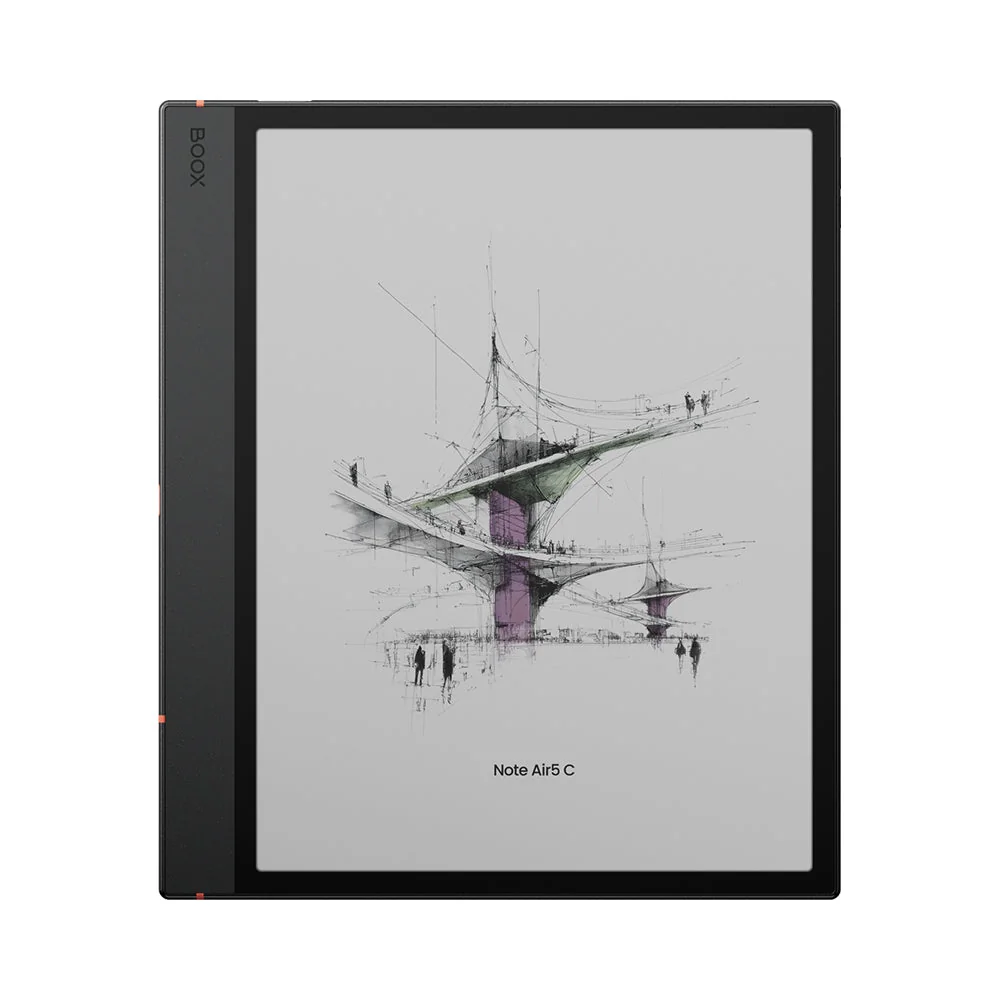
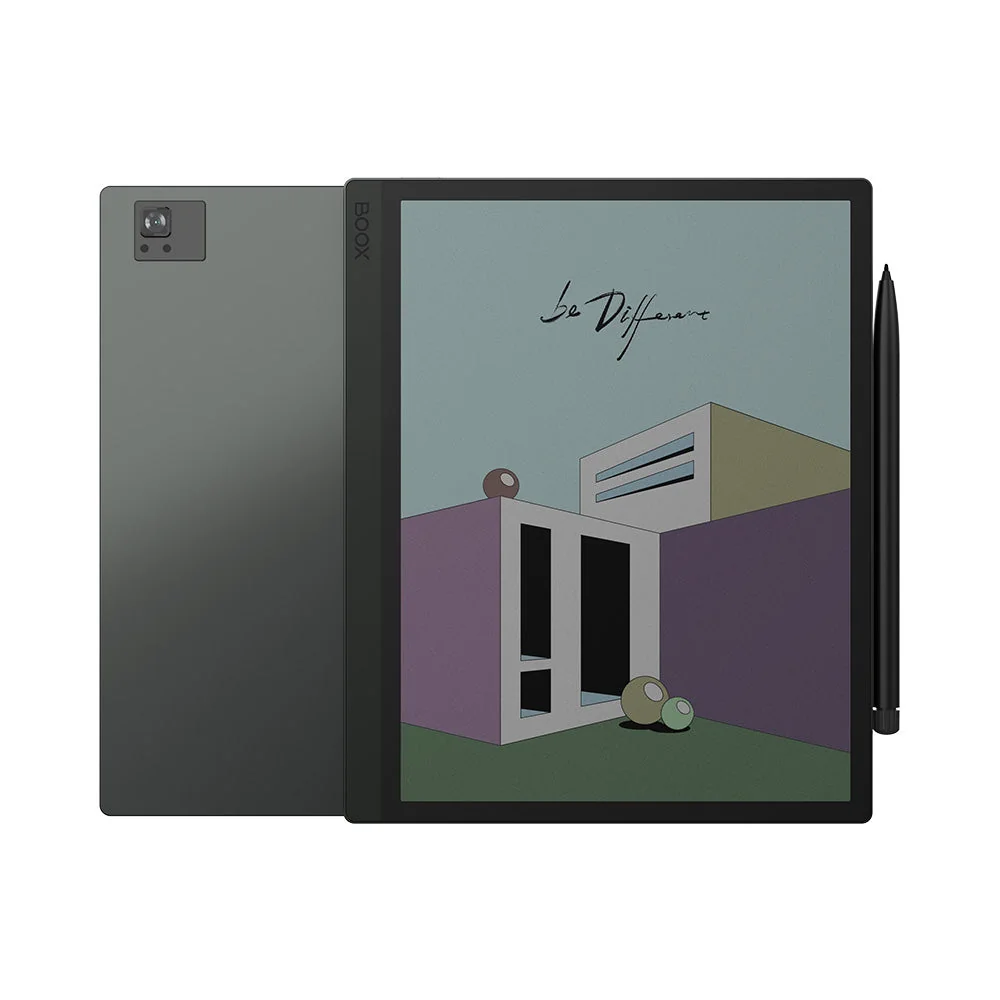
Boox (Onyx) Note Air5 C

Boox (Onyx)

Note Air5 C

  • Screen10.3″ · 300 ppi
  • ColourYes
  • Planner sizeM
  • Price at launch$$$
Review → Specs only
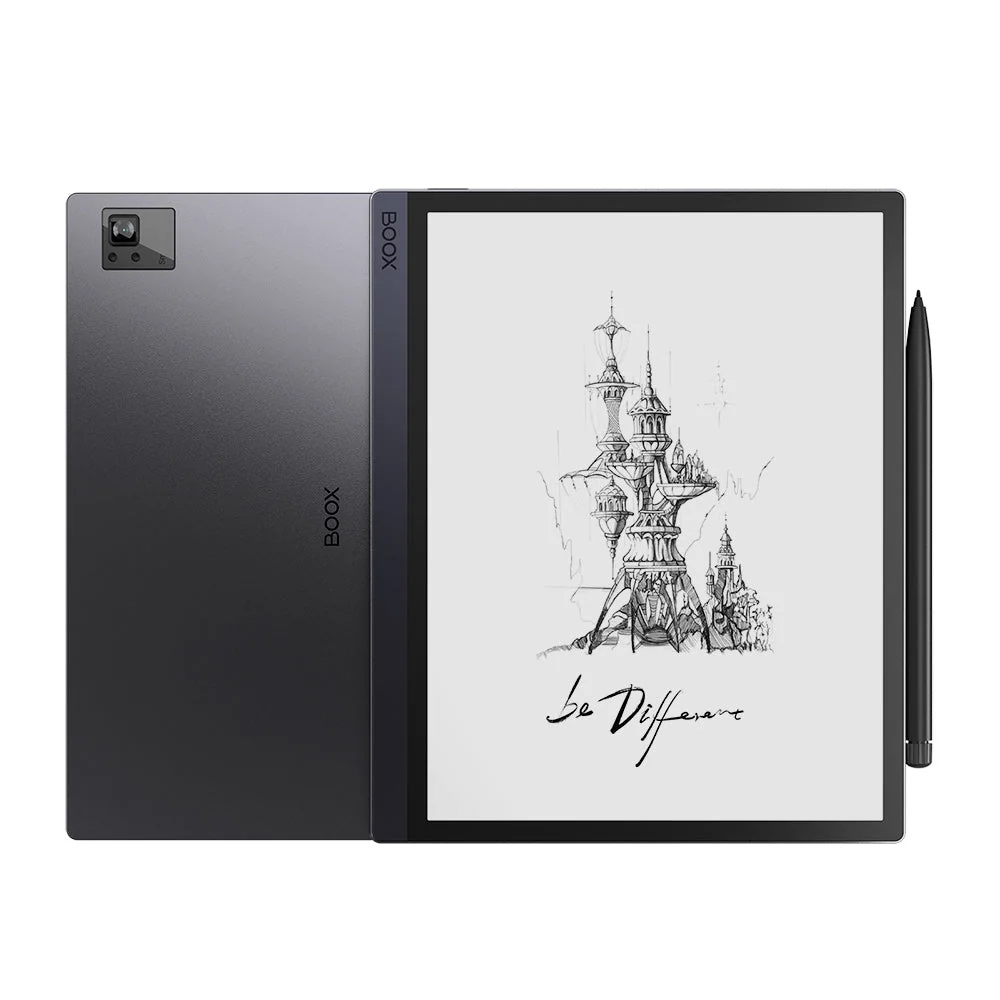
Boox (Onyx) Boox Tab X

Boox (Onyx)

Boox Tab X

  • Screen13.3″ · 207 ppi
  • ColourMono
  • Planner sizeL
  • Price at launch$$$
Review → Specs only
Kobo (Rakuten) Kobo Sage

Kobo (Rakuten)

Kobo Sage

  • Screen8″
  • ColourMono
  • Planner sizeS
  • Price at launch$$
Review → Specs only
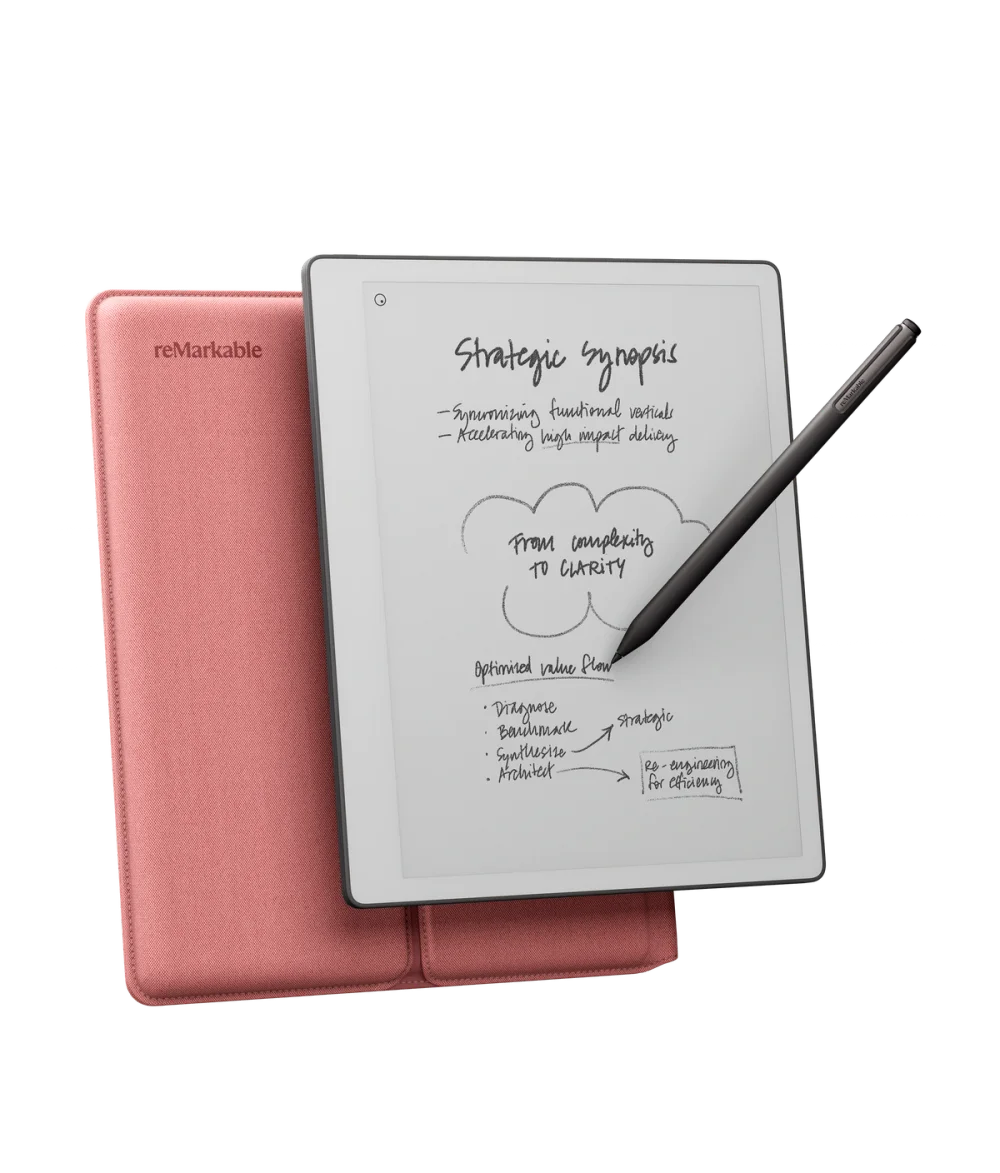
reMarkable Paper Pure

reMarkable

Paper Pure

  • Screen10.3″ · 226 ppi
  • ColourMono
  • Planner sizeM
  • Price at launch$$$
Review → Specs only
Viwoods AiPaper

Viwoods

AiPaper

  • Screen10.65″ · 300 ppi
  • ColourMono
  • Planner sizeM
  • Price at launch$$$$
Review → Specs only
Data: devices.json · last_verified 2026-07 · price shown as a launch band ($–$$$$) Full side-by-side comparison →

Our Newsletter

How we handle your data unsubscribe any time